

Last updated: November 2026. General information only; confirm details on Apple’s official pages.
To add business to Apple Maps, create or claim your listing in Apple Business (formerly Apple Business Connect), verify that the business is yours, and complete your profile. The core tool is free. Yes, you can add a business to Apple Maps, as long as it qualifies and you can verify it.
If you want to get listed on Apple Maps, there are two paths. When your business already appears on the map, you claim it. When it does not, you add it as a new location. Either way, Apple asks you to prove ownership, by company verification, a phone call, or documents.
This guide follows the steps in the order a beginner would take them. It also covers how to update your hours or address later, why a business may not show up, and the problems people run into most often. Older guides still say Apple Business Connect or Apple Maps Connect, so you may see all three names.
Results vary, and Apple may change its tools or steps.
This is general information, not business or legal advice. Confirm the current steps on Apple’s official site before you start.
Quick Facts: Adding a Business to Apple Maps

| Tool you use | Apple Business, which replaced Apple Business Connect |
| Also called | Apple Business Connect, Apple Maps Connect (an older portal name), your Apple Maps business profile or place card |
| Cost | Free for core listing management |
| Time to launch | Company verification takes up to 5 business days (Apple support). How long a new location takes to appear: timing varies. |
| Difficulty | Beginner |
| Skills needed | Basic web browsing and an Apple Account |
| What you need | Business name, address, phone, website, and a way to prove ownership |
| Best for | Businesses with a physical location customers can visit |
Adding a listing makes your business easier to find, but it does not guarantee customers, traffic, or sales.
What You Need Before You Start
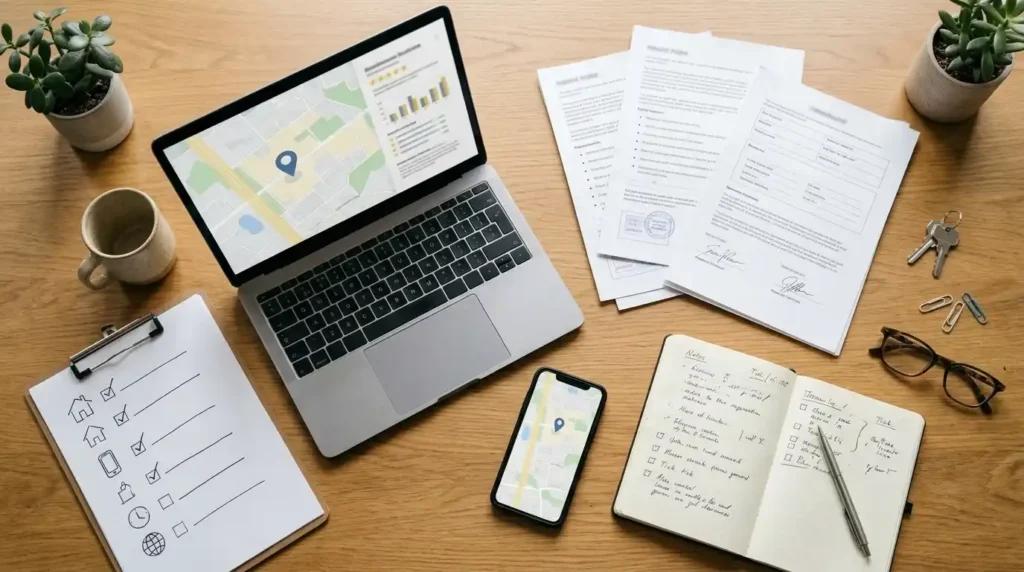
A little preparation makes setup faster. Most delays come from missing details or a verification method that does not fit the business.
An Apple Account
You sign in with an Apple Account (the new name for Apple ID). If you do not have one, create one first. Consider an email address that belongs to the business, so the listing does not depend on one person’s personal account.
Accurate business details
Gather these before you open the portal:
- Business name, exactly as it appears on your sign and website
- Street address, including postal code
- Main phone number and website
- Business hours, including holiday hours
- The category that best describes what you do
Third-party guidance says the phone number should match the one on your website, and that call-tracking numbers may not be accepted. Check Apple’s current rules before you submit.
A way to prove ownership
Apple needs to confirm you control the business. The main options are verifying your company, requesting a phone call, or uploading a document that shows the business name and address, such as a utility bill, lease, or insurance policy. For a phone call, you enter a 4-digit code. Which options you see can depend on your business type.
Make sure the phone line can take the call. One guide warns that an automated phone menu can make the verification call fail, and suggests uploading a document instead.
A real, visitable location
Apple Maps lists places. If you work from home or travel to customers, read the risks section first, because the rules for businesses without a storefront can be different.
This is general information, not business or legal advice. Requirements can change, so confirm them on Apple’s official site.
How to Add Business to Apple Maps: Step by Step

Here is the process in the order a beginner would follow. Menu names can change, so follow what Apple shows on screen.
Step 1: Sign in to Apple Business
Go to Apple Business (formerly Apple Business Connect) and sign in with your Apple Account. Your user needs a role that can manage locations. If you are setting it up alone, you will usually be the administrator. Apple’s onboarding documents are on business.apple.com. Older guides may point to businessconnect.apple.com, so start from Apple’s own site rather than a search ad.
Step 2: Search before you add anything
Search for your business name and address first. If it appears, you claim it. If it does not, you add a new location. This is the safest way to add a new business to Apple Maps without creating a duplicate. Then select your brand or create a new one. A brand is simply the business name your locations belong to.
Step 3: Enter your location details
Fill in the name, address, phone number, website, category, and hours. Use a real street address. One third-party guide says PO Boxes are not accepted and a phone number that does not match your website may lead to denial, so check Apple’s current rules. Whatever you enter is what customers will see in Maps, so accuracy matters.
Step 4: Verify your business
The verification path depends on whether the place already exists on Maps:
- First location, organization not yet verified: You verify your organization and send it to Apple for review. Company verification takes up to 5 business days.
- Existing location: You can request a verification call. Apple calls the phone number it already has on record for that location, and you enter the four-digit code.
Also make sure your email filters allow mail from all apple.com domains, so you do not miss messages from Apple.
Step 5: Complete your business profile
Add photos, a cover image, and a short description if the tool offers them. Check that your hours are right, including holidays. You can use a different cover photo for each location. A complete Apple Maps business profile is easier for customers to trust, but it does not guarantee more visits. Photos and logos must follow Apple’s photo guidelines and are reviewed.
Step 6: Wait, then check the live listing
Publishing time varies, so watch the status in Apple Business. Once it shows as published, search for your business in Apple Maps and confirm the name, address, phone number, and hours. If something is wrong, edit it in Apple Business.
Adding a business from an iPhone
Many owners search for how to add a business to Apple Maps on an iPhone. There are two routes, and they are not the same.
The first is the Maps app itself. Older iOS guides describe pressing and holding the map to drop a pin, opening the three-dot menu, and tapping Add to Maps. That suggests a place for Apple to review, but it does not give you control of the listing. Menu names vary by iOS version.
The second is Apple Business in a browser such as Safari. This is the route to use, because it lets you claim or add the business, verify ownership, and manage it afterwards.
This is general information, not business or legal advice. Portal screens and requirements change, so follow Apple’s current instructions.
Claiming an Existing Apple Maps Listing
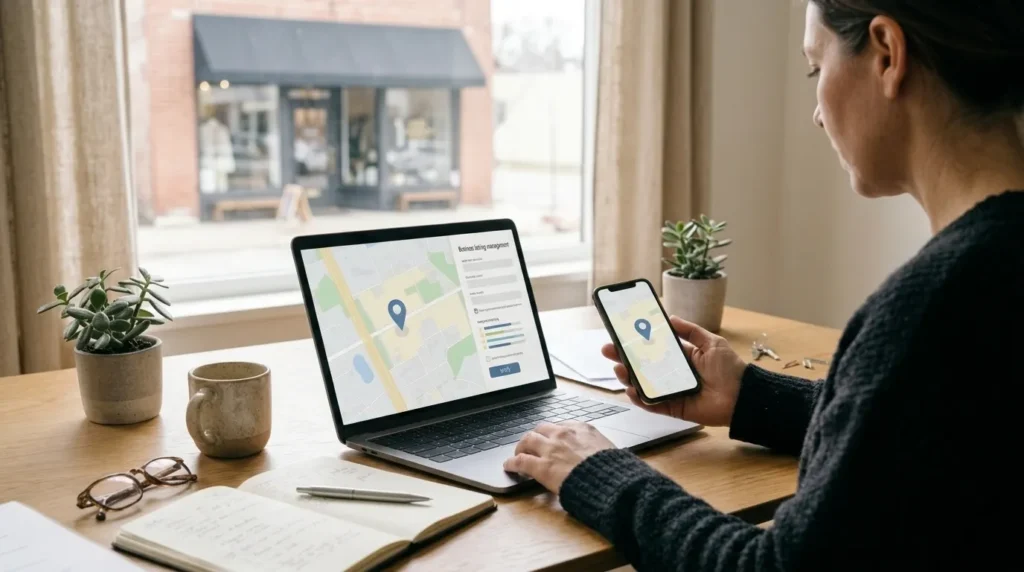
Many businesses are already on Apple Maps before the owner ever signs in. If yours is, you claim the existing listing instead of creating a new one.
When to claim instead of add
Claim when a search shows your business name and address already on the map. Adding a second listing for the same place can create duplicates. If you are unsure, search by business name, then by street address, and look at the place card before you decide.
How to claim a business on Apple Maps
Sign in to Apple Business, find your place, and choose the option to claim it. Select your brand or create a new one. Then verify ownership, either by verifying your company (up to 5 business days) or by requesting a call to the number Apple has on record for that location.
That last point trips people up. If the number on record is old or not yours, the call will not reach you. Apple’s guide says to contact its support team if you do not recognize the number.
What you can manage after claiming
Once you have access, you can edit location information, photos, hours, and showcases, add team members, and view insights about how customers interact with your listing. Features can change by region, so check the menus in Apple Business.
Fixing wrong information or a duplicate
If details on the map are wrong, update them in Apple Business after claiming. You can also use Report an Issue in the Maps app: tap the place, open the three-dot menu, tap Report an Issue, choose the problem, edit the information, and submit.
Duplicates are harder. Business owners in community forums say Apple may create a new listing rather than merge old ones, and that contacting Apple’s business support is often how an old listing gets closed. These are user reports, not official guarantees. Keep screenshots of the duplicate and its address.
How to Update Your Apple Maps Business Listing

Once you are verified, keeping the listing current is the easiest way to avoid customer complaints. Apple recommends updating location information often. This is the Apple Maps business update process.
How to edit Apple Maps business hours
Sign in to Apple Business, choose Brands, then Locations, search for and select the location, and find the hours settings. Apple’s guide describes two kinds of hours: regular hours, and special hours for holidays, events, or extended hours such as a drive-through that stays open later. Save your changes when you finish.
Update hours before holidays, not after. If your hours are wrong, customers may report the problem, as explained below.
How to change your address on Apple Maps for a business
Open the location in Apple Business in the same way and edit the address. Apple’s guide says to check the map pin afterwards. If the pin is not over the right building, you can drag the map or enter coordinates, then save.
According to Apple’s guidance, some information such as address and hours does not need Apple’s verification, while logos, photos, and showcases do. Even so, how quickly a change shows up on the map varies.
If your business has physically moved, update the existing listing instead of creating a new one, so the old address does not linger as a duplicate. Also update your website and other directories so Apple sees the same address everywhere.
When Apple edits your listing
Customers can report wrong information, such as a place shown as open when it is closed. Apple reviews these reports and may edit your place card. You then receive an email from Apple Business. You can accept the change, or change it to something different. For a name change, you can send your own version for review, which can take up to 5 business days.
Removing a location
If a location is no longer yours, you can remove it from Apple Business, and you choose a reason, such as that someone else manages it or that it is permanently closed. Apple warns that a removed location may still appear in Maps even though you can no longer manage it.
This is general information, not business or legal advice. Menus and rules change, so follow Apple’s current instructions.
How Much Does It Cost to Get Listed on Apple Maps?

The short answer: an Apple Maps business listing costs nothing to create. Money only enters the picture if you choose optional extras.
Is Apple Maps business free?
Yes. Apple said Apple Business would be a free service for new and existing Business Connect users starting in 2026, and guides confirm that core listing management is free. Creating or claiming a listing, editing details, and adding photos does not require payment. Availability and features can differ by country.
Optional cost 1: Ads on Apple Maps
Ads are not required to appear on the map. Apple began letting businesses in the US and Canada book Maps ads in August 2026. You need to claim your location before you can use Apple’s ads tools. Pricing is auction-based, and Apple describes cost-per-tap and cost-per-thousand-impressions models, so the price depends on competition and your bids: figures vary; check current sources. Ads can also bring no extra customers, so spend only what you can afford to lose.
Optional cost 2: Agencies and listing software
Some agencies and software tools manage listings for a fee. You can usually do basic setup yourself, so compare what you are paying for. Prices vary widely; figures vary, check current sources.
Optional cost 3: Other Apple Business services
Apple Business also offers paid options such as extra iCloud storage and AppleCare+ for Business. These are unrelated to your Maps listing.
Your time
For most owners the real cost is time: gathering details, completing verification, and checking the result afterwards.
This is general information, not financial or legal advice; consult a qualified professional. Prices change, so confirm them on Apple’s official pages.
Why Is My Business Not Listed on Apple Maps?

If customers cannot find you, one of these is a likely reason. Some are from Apple’s guides and community reports, and others are practical checks.
- It was never added or claimed. Search for your business name and address in Apple Business to see whether a listing exists.
- Verification is still pending. A location may not publish until ownership is verified. Check the status in Apple Business.
- It may not be eligible. A forum reply attributed to Apple says Maps only accepts businesses with a storefront or commercial location open to visitors. Home-based and service-area businesses are often rejected.
- The details do not match. A third-party guide says a phone number that differs from your website can lead to a denied listing.
- It is listed under an old name or address. Search by the street address and by former names, not only your current name.
- A recent change has not appeared yet. Timing varies, and Apple does not promise a date.
- You are searching in the wrong app. Check Apple Maps itself, not Google Maps.
If none of these explain it, contact Apple’s business support with screenshots.
Risks, Limits and Common Problems

Adding a business to Apple Maps is free, but it does not always go smoothly.
Verification delays and failures
Most problems happen at the verification step. Apple says company verification takes up to 5 business days, but owners in forums report longer waits, and nobody can promise a date. Common causes include a phone number on record that is wrong or inactive, an automated phone menu that blocks the call, and details that differ between your listing, website, and documents.
If your status stays pending, do not keep uploading different documents. One troubleshooting article advises working out what Apple is actually trying to verify first, because pending does not always mean it just needs more time.
Service-area and home-based businesses
This is the biggest limit for many small owners. A reply in Apple’s community forum says Maps only accepts businesses with a retail storefront or commercial location that people can visit during business hours without an appointment, and several owners report rejections for home-based service businesses.
Sources do not fully agree. One guide says service-area businesses can list a service area without showing a home address. That conflicts with the forum reply and owner reports, so do not count on it without checking Apple’s current rules.
Apple does say businesses without a physical location can use its free portal, with features such as branded Mail and Tap to Pay on iPhone. That is not the same as appearing as a place on the map.
Wrong or duplicate listings
Old data can linger. Owners report listings showing a wrong address or “permanently closed” even after the details were corrected, and one said the wrong information returned within a day or two. These are user reports, and results vary. Keep screenshots and contact Apple’s support if the problem continues.
Results vary
A correct listing makes your business easier to find, but it does not guarantee customers, calls, or sales. Apple can change its rules, tools, and names. Do not rely on one platform, and keep your details consistent on your website and other directories.
This is general information, not legal or financial advice; consult a qualified professional. Confirm eligibility on Apple’s official pages.
Pro Tips
Some tips come from Apple’s guides, and others are practical advice, so adapt them to your business.
1. Use an email address the business controls. If the listing is tied to one person’s personal account, you may lose access when they leave. A second administrator is safer. This is practical advice, not an Apple rule.
2. Make your details match everywhere. Use the same name, address, and phone number on your listing, website, and other directories. Mismatches are a common cause of delays.
3. Pick the most accurate category. Apple updates its categories regularly, so check back for ones that fit better.
4. Set special hours early. Add holiday hours and closures before the date, not after.
5. Add real photos. A clear logo, cover photo, and a few current pictures help customers recognize you. Follow Apple’s photo guidelines.
6. Let Apple’s emails through. Allow mail from all apple.com domains so verification and update messages do not land in spam.
7. Add a team member. Give each person only the access they need.
8. Check your listing on a real iPhone. Search for your business in Maps every few months, and after any move or change. Confirm the name, address, phone, hours, and website.
9. Look at the insights, but stay realistic. Apple’s tools show customer interactions and searches. Use them to spot patterns, not to expect a fixed result.
10. Keep a record. Save screenshots of what you submitted, with dates, in case you need to contact support.
For a wider local presence, see our guide to Google Business Profile (internal link: add only if the page exists on your site).
This is general information, not business or legal advice. Confirm current options on Apple’s official pages.
Frequently Asked Questions
Can I add a business to Apple Maps?
Yes, if the business qualifies. Sign in to Apple Business, search for your place, then claim it or add a new location, and verify ownership. Businesses without a storefront may be rejected, so check Apple’s current rules first.
Is Apple Maps business free?
Yes. Core listing management in Apple Business is free. Optional extras, such as Apple Maps ads or third-party listing services, can cost money.
How much does it cost to get listed on Apple Maps?
Creating or claiming a listing costs nothing. Ads use auction-based pricing, so figures vary; check current sources. Agencies and software vary by provider.
Why is my business not listed on Apple Maps?
Common reasons are that it was never added or claimed, verification is pending, it is not eligible without a storefront, details do not match, or it appears under an old name or address. See the section above for a checklist.
How long does Apple Maps verification take?
Apple says verifying your company takes up to 5 business days. Phone verification can be faster when it works, since you enter a code during the call. How long a new location takes to appear: timing varies, and Apple does not promise a date.
How do I claim an existing business on Apple Maps?
Sign in to Apple Business, search for your business name and address, and choose the option to claim it. Then verify by company verification or by a call to the number Apple has on record. If you do not recognize that number, contact Apple’s support team.
How do I change my business address or hours on Apple Maps?
In Apple Business, choose Brands, then Locations, select your location, and edit the address or hours, including special hours for holidays. Check the map pin after changing an address, then save. How quickly the change appears varies.
Can I add a business to Apple Maps from my iPhone?
You can open Apple Business in a browser on your iPhone to claim or add a business and verify it. The Maps app also lets people suggest places, but that does not give you control of a listing.
Can I add a home-based or service-area business?
It is not guaranteed. A forum reply attributed to Apple says Maps only accepts businesses with a storefront or commercial location that people can visit. Apple does say businesses without a physical location can use its free portal, but that is different from appearing as a place on the map.
Why is my Apple Business verification pending or rejected?
Common causes include a phone number that is wrong or inactive, an automated phone menu that blocks the call, or details that do not match between your listing, website, and documents. Fix any mismatch, resubmit once, and contact Apple’s support team if the problem continues.
This is general information, not business or legal advice. Confirm current rules and steps on Apple’s official pages.
Conclusion
To add business to Apple Maps, sign in to Apple Business (formerly Apple Business Connect), search for your business, then claim it or add a new location. Next, verify ownership, complete your profile, and check the live listing on a real device. After that, keep your hours and address up to date. The core tool is free.
Keep the limits in mind. Verification can be slow, businesses without a storefront may be rejected, and old or duplicate listings sometimes take extra effort to fix. A correct listing helps people find you, but it does not guarantee customers.
Before you start, confirm the current steps and eligibility rules on Apple’s official pages.
This is general information, not business or legal advice. Consult a qualified professional if you are unsure.